
Your AI as a digital colleague: how to get started
Dec 2, 2025
Imagine an extra colleague logging in every day who never takes a lunch break, always answers instantly, and gladly takes over the boring tasks. Not fiction but reality: “your AI” can be your digital colleague as soon as tomorrow. In this guide, you will learn step by step how SMEs, from wholesalers to accounting firms, can start safely and profitably with an AI assistant.
Why start with a digital colleague now?
According to McKinsey, artificial intelligence can increase productivity in back-office processes by 20 to 40 percent. Large corporates are already benefiting, but SMEs feel every wasted minute directly in their margins. Anyone still manually building quotes or following up leads in 2025 is falling behind competing distributors or installers that deploy AI agents.
In short, investing in a digital colleague means:
sending quotes and invoices faster so cash flow improves
fewer errors in CRM or ERP, which prevents discussions with customers
more time for advice and relationship management, the real work where people make the difference
What does “your AI” do in practice?
For the average SME organization, an AI assistant looks roughly like this:
reads incoming emails and automatically creates tasks or follow-ups in the CRM
fills in missing customer data via online sources and data enrichment
writes draft quotes, newsletters, or LinkedIn posts based on templates
answers frequently asked questions from sales or service in Microsoft Teams or Slack
generates daily reports on pipeline, revenue, and inventory
Good to know: with B2B GrowthMachine you can automate all these workflows plug-and-play, without time-consuming IT projects.

The 6-step roadmap for a smooth start
1. Map repetitive processes
Spend a week shadowing the sales, administration, and purchasing teams. Write down every task that occurs more than three times a day. Think price updates, order confirmations, or time tracking.
2. Define success metrics
Decide in advance which KPIs you will use to evaluate the pilot, for example:
time saved per employee per day
error reduction in quotes
faster response time to customers
3. Choose a low-risk pilot
Start small. A technical wholesaler can begin by automatically enriching product data, an accounting firm by generating standard reports. That way you see results quickly without touching business-critical processes.
4. Select the right platform
Check whether the AI platform:
integrates with your CRM, ERP, and email (B2B GrowthMachine supports standard integrations and custom connections via APIs)
handles sensitive data securely (GDPR-compliant, encrypted storage)
is user-friendly for non-technical employees
5. Clean your data and set up prompts
An AI assistant is only as smart as the data you feed it. Remove duplicate customer records and standardize fields. Then write clear prompts, for example: “Create a quote based on the 2025 price list, use discount table B, add the product photo and delivery terms.”
6. Train the team and optimize iteratively
Run a short workshop, show how to delegate a task to the AI and how to give feedback for better output. Measure the KPIs after two weeks and adjust workflows. B2B GrowthMachine supports this with ongoing optimizations and best-practice templates.
Creating internal buy-in
Success depends on adoption. Use these tips:
explain that AI takes over repetitive work so employees can focus on customers and relationship building
show a live demo instead of a PowerPoint, concrete results convince faster
start with enthusiastic “early adopters” who later coach colleagues
Costs and ROI: a quick calculation
Imagine an installer with five sales reps, each spending two hours a day on manual follow-ups. That is ten hours a day, or about 2,400 hours per year. At an hourly rate of €35, you potentially save €84,000. Even if the AI tool costs €1,500 per month, you more than earn back the investment and free up time to close additional deals.
Don’t forget compliance and security
ensure GDPR-compliant data processing agreements
log who enters which prompts and what data comes out
limit access to sensitive financial or HR information via role-based permissions
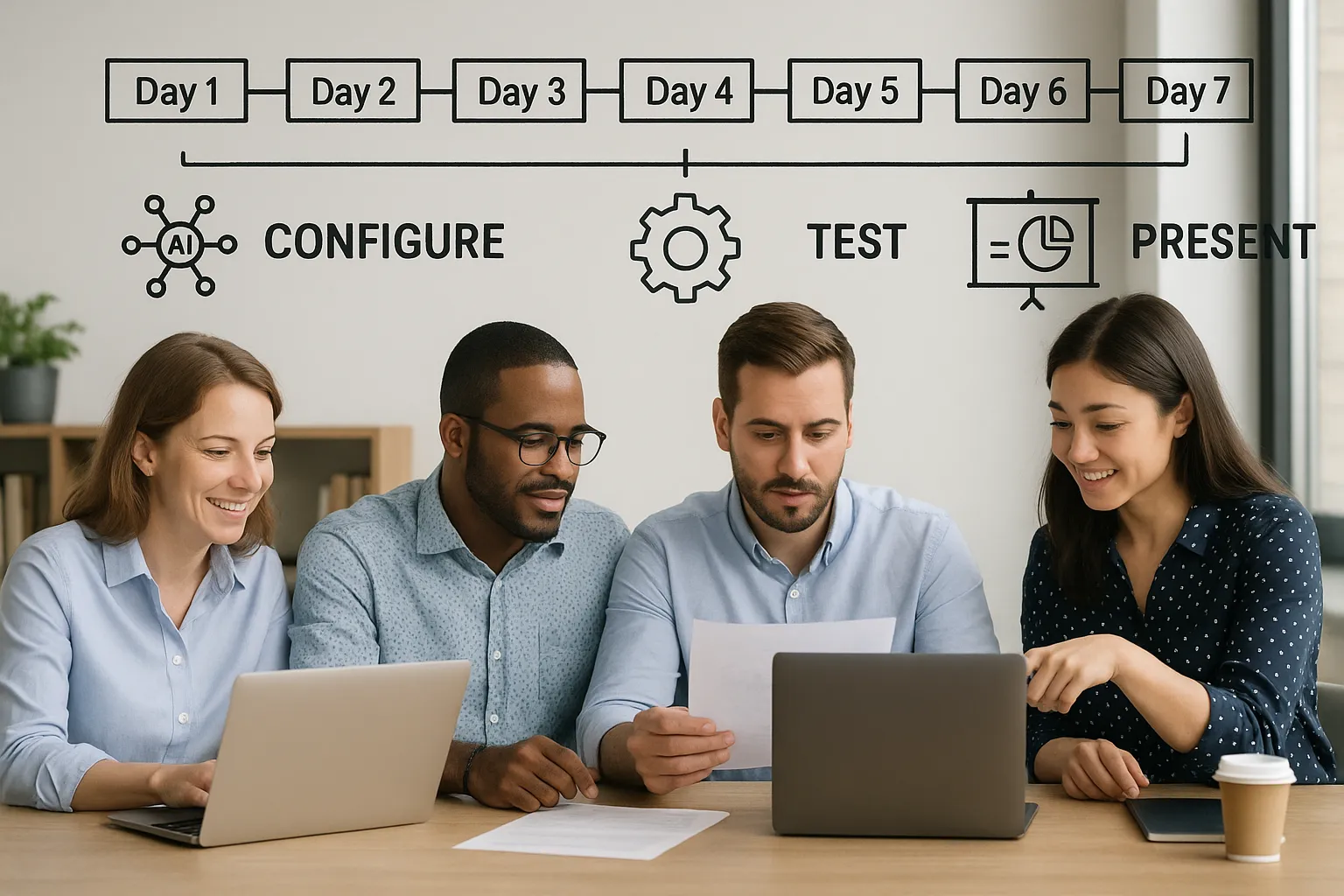
The 7-day start plan
Day 1: discovery meeting, choose the pilot process
Day 2: activate a trial account with B2B GrowthMachine and connect the CRM
Day 3: upload historical data, test the first prompt
Day 4: fine-tune output, set up notifications in Teams or Slack
Day 5: let two end users work live with the workflow
Day 6: collect feedback, adjust the prompt or workflow
Day 7: present the first results to management, decide on scaling
Common pitfalls (and how to avoid them)
Involving only IT: involve end users from day 1 so the solution truly improves their work.
Starting too big: automating multiple complex processes at once leads to chaos. Focus on one clear win.
No ownership: appoint an “AI champion” who monitors progress and implements improvements.
Conclusion
A digital colleague may sound futuristic, but with plug-and-play tools it is already achievable today. By starting small, measuring sharply, and bringing employees along, you will quickly reap the benefits: more leads, fewer errors, lower costs. If you do not want to spend months on trial and error, choose a platform built specifically for SME workflows.
Frequently asked questions
Is AI not too expensive for an SME? Most cloud solutions work with flexible subscriptions. You often pay less than one part-time salary and immediately save on labor hours.
Do I need to program to get started? No. With tools like B2B GrowthMachine, you set up workflows via drag-and-drop or ready-made templates.
How quickly will I see results? Many companies see time savings within two to four weeks because repetitive tasks disappear.
Can I combine AI with my existing software? Yes. Via standard integrations or an open API, you can easily connect with CRM, ERP, accounting, and email.
Ready to deploy your own digital colleague?
Schedule a free strategy session with B2B GrowthMachine today and discover which processes in your organization can be automated as soon as tomorrow. You can find more information on our page about AI-driven workflow automation.