
AI assistants for SMEs: practical applications
Nov 27, 2025
Artificial intelligence has finally grown from a boardroom buzzword into an everyday tool, and nowhere is the impact more visible than in small and medium-sized businesses. According to the Salesforce SMB Trends Report 2024, 55 percent of SMBs already rely on at least one AI assistant to keep operations running smoothly. Still, many owners wonder, “Where do AI assistants actually fit in my business?” This article cuts through the hype and covers concrete, budget-friendly use cases that any growing business can use in 2025.
What counts as an AI assistant?
An AI assistant is software that interprets natural language, learns from context, and performs tasks on your behalf. It can live in a chat window, integrate into email, or run quietly in the background inside a workflow engine. Compared with basic rule-based bots, modern assistants use machine learning models that continuously improve as they see more data. That makes them a strong fit for the fast-changing environment of SMBs.
Key capabilities:
Understanding text or voice requests
Retrieving information from multiple business systems
Automating or suggesting next actions
Learning preferences to deliver more accurate results over time
8 practical AI assistant use cases for SMBs
1. Instant customer support
Small teams often struggle to provide 24/7 service. An AI customer support assistant can triage questions, surface relevant help center articles, and escalate only complex issues to a human agent. Data from Zendesk shows that companies using chat-based AI can handle up to 30 percent more tickets without hiring additional staff.
2. Smarter lead qualification
Instead of letting new leads collect dust in an overloaded CRM, an AI sales assistant can ask follow-up questions, score prospects, and book meetings directly on a sales rep’s calendar. Users of HubSpot’s AI lead bot report a 50 percent reduction in time spent on manual lead screening. For a deeper dive into time and cost savings, see our post “AI vs. Manual Work: Which One Saves More Time & Money?”
3. Automatically drafting quotes and emails
Writing tailored quotes or follow-up emails takes valuable hours. An AI writing assistant can generate a first draft, pull product specifications, and adjust the tone based on previous conversations. Many SMBs have reduced email prep time by 70 percent using these tools, freeing sales teams to focus on closing deals.
4. Internal knowledge search
New hires often spend days searching for the right document or SOP. An internal AI knowledge assistant indexes wikis, Slack threads, and cloud drives, then answers questions instantly in plain language. This reduces onboarding friction and prevents knowledge silos in fast-moving teams.
5. Invoice processing and expense controls
AI assistants trained on optical character recognition (OCR) can read incoming invoices, match them to purchase orders (POs), flag discrepancies, and initiate payments. A Deloitte survey from 2024 found that automated invoice processing can reduce the cost per invoice for companies with fewer than 250 employees from 10 USD to under 2 USD.
6. Pre-screening in hiring
Hiring managers can feed job descriptions into an AI recruiting assistant that screens resumes for must-have skills, ranks candidates, and even drafts personalized rejection emails. This eliminates repetitive filtering and helps small HR teams maintain a professional candidate experience.
7. Inventory management and demand forecasting
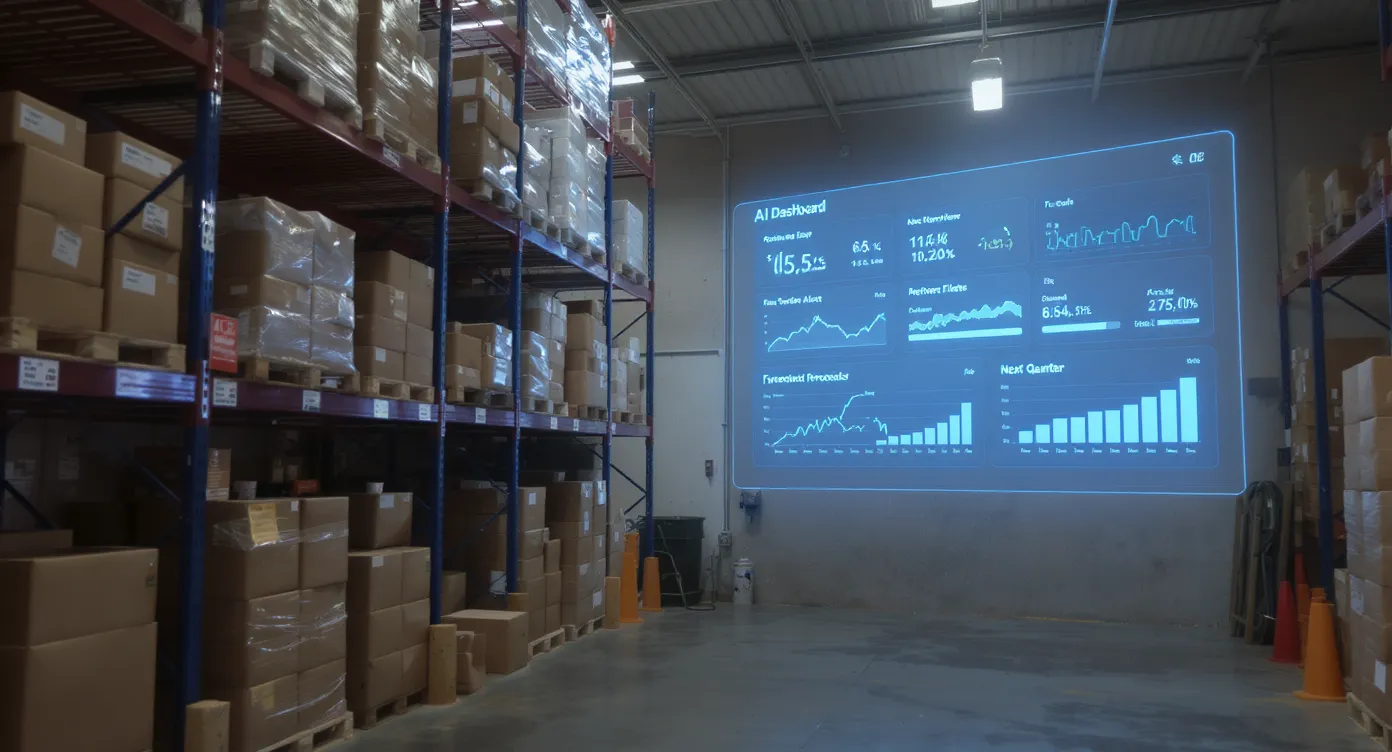
For product-focused SMBs, an operations assistant can process sales data, seasonal patterns, and supplier lead times to forecast inventory needs. By automatically creating purchase orders when thresholds are reached, businesses avoid costly stockouts and over-ordering.
8. IT helpdesk and security alerts
Even a two-person IT team can feel overwhelmed. AI service desk assistants handle routine password resets, while security assistants correlate log files to detect suspicious activity. This allows IT to focus on strategic projects instead of constant firefighting.
Quick comparison of use cases
Use case | Typical time saved per week | Primary KPI improved | Initial investment |
|---|---|---|---|
Customer support chatbot | 8 to 12 hours per agent | First response time | Low (SaaS subscription) |
Lead qualification bot | 4 to 6 hours per sales rep | Conversion rate | Low to medium |
Quote drafting | 5+ hours per sales rep | Quote turnaround time | Low |
Knowledge search | 3 hours per employee | Onboarding time | Medium |
Invoice processing | 10+ hours in finance | Cost per invoice | Medium |
Hiring screening | 6 hours per role | Time-to-hire | Low |
Inventory forecasting | 4 hours in operations | Stockout frequency | Medium to high (data integration) |
IT helpdesk | 8 hours per admin | Ticket resolution | Medium |
How to introduce an AI assistant without disrupting your team
Begin with one pain point. Choose a repetitive task that eats up time but has clear success metrics, such as ticket handling speed.
Integrate with existing tools. Solutions such as the workflow automation layer from B2B Groeimachine connect via APIs to CRMs, ERPs, and messaging apps, eliminating manual data transfers.
Involve end users early. Let employees test the assistant and flag edge cases. Their feedback helps train the model and increases adoption.
Monitor and iterate. Track KPIs weekly and use built-in analytics to refine prompts or decision rules. Our article “How AI Is Transforming Workflow Automation for Businesses” offers more in-depth guidance on continuous optimization.

Common pitfalls to avoid
Over-automating creative or relationship-heavy tasks. Keep people involved where nuance matters.
Neglecting data privacy. Verify that every SaaS vendor complies with GDPR and relevant industry standards.
Ignoring change management. Even simple chatbots require new habits. Provide short video tutorials and clear escalation paths.
Frequently asked questions
Will an AI assistant replace my employees? No, an AI assistant supports people by taking over routine tasks, so they can focus on higher-value work like strategy and customer relationships.
How long does implementation take for an SMB? Lightweight chat or email assistants can go live within days. Deeper ERP-connected workflows may take four to eight weeks, depending on data complexity.
Do I need in-house data scientists? Not for most use cases. Many platforms offer no-code interfaces and pre-trained models. For custom scenarios, providers such as B2B Groeimachine can support implementation projects.
What budget should I plan for? Subscription pricing starts at a few hundred dollars per month. The time savings often recoup the cost within a single quarter.
Ready to test an AI assistant in your business?
If you could give every team member ten hours per week back, which growth projects would finally take off? The plug-and-play AI assistants from B2B Groeimachine help SMBs do exactly that. From lead bots to finance automation, our experts handle setup, integration, and ongoing optimization so you can focus on scaling. Schedule a free introductory call via b2bgroeimachine.nl and see how quickly your business can work smarter, not harder.