
AI forecasting for wholesale: plan better, prevent lost sales
Jan 3, 2026
As a wholesaler, you want two things at the same time: always be able to deliver, and avoid tying up capital in dead stock. In 2026, that is harder than ever due to volatile demand, longer lead times, and margin pressure. AI forecasting helps you plan better in exactly that context, prevent lost sales due to stockouts, and free up working capital. This article gives you a practical, no-nonsense guide to realizing value within 30 to 90 days, without turning your entire IT landscape upside down.
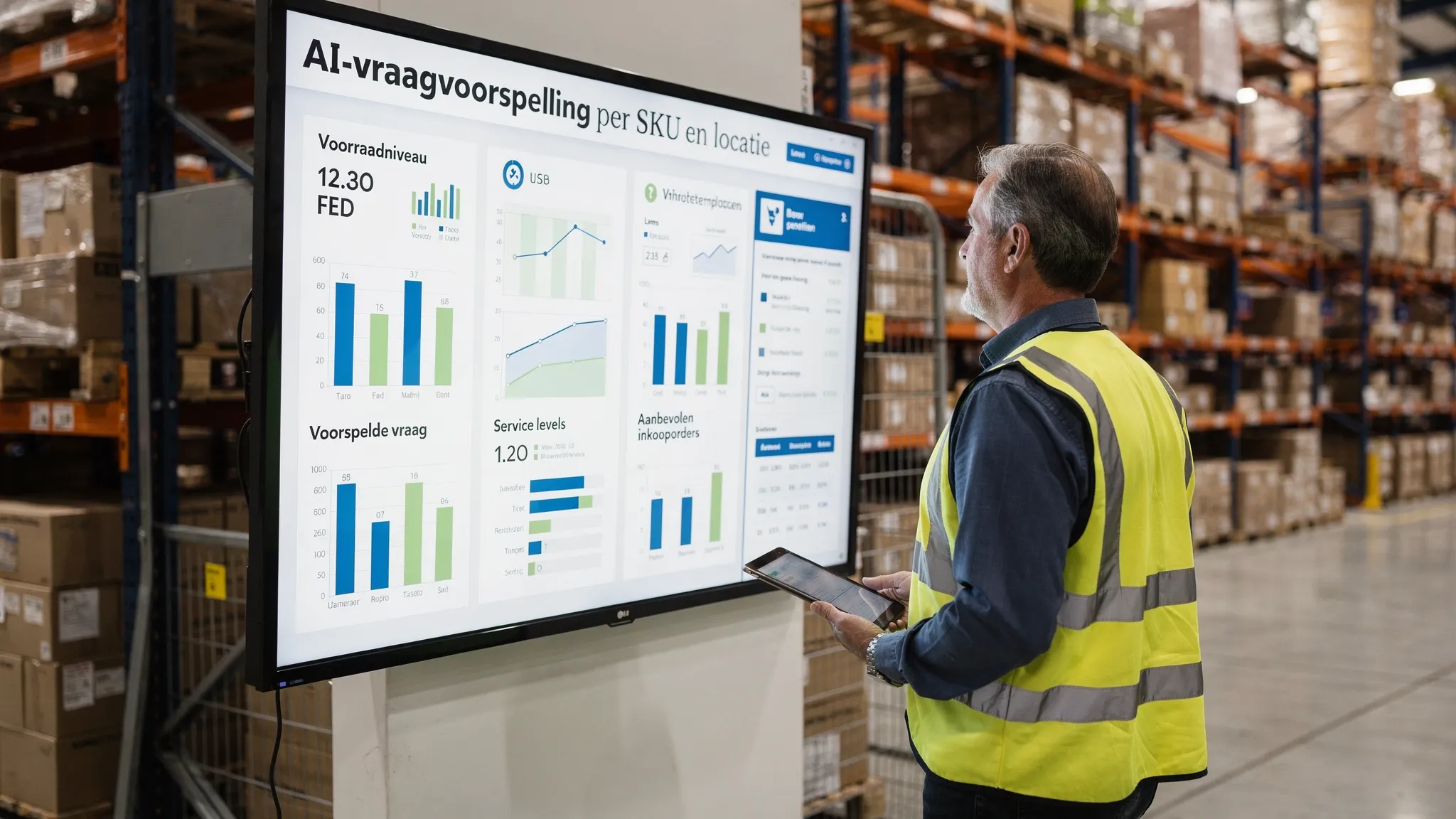
What is AI forecasting for wholesalers, and why now?
AI forecasting is demand forecasting with machine learning that takes more into account than just history. It combines order lines, lead times, seasonality, prices, and promotions with external signals, and learns deviating patterns per SKU and location. The difference versus classic Excel or single time-series methods is that the system automatically recognizes segments and drivers, handles exceptions better, and continuously learns.
Concretely, for wholesalers and distributors this means fewer lost sales due to stockouts, lower safety stocks at the same service level, and earlier visibility into where the next stockout will occur. With AI forecasting, your team works more by exception and spends less time firefighting.
The decisions where AI forecasting pays back the fastest
How many units do I order per SKU per branch to hit the target service level with the lowest possible inventory?
When do I reorder, taking variable lead times, minimum order quantities, and volume discounts into account?
How do I adjust safety stock for peaks, promotions, or price changes?
What is the substitute when an out-of-stock situation is coming, so sales can still go through?
How do I allocate scarce inventory across customers and channels with the highest value?
These decisions become much stronger when the forecast is translated directly into concrete suggestions, like replenishment proposals or redistribution advice. Also read how to go from insight to action in our guide on insight-to-action orchestration for SMEs in AI data to action.
Data you usually already have, and what you add for higher accuracy
You do not have to wait for an ideal data landscape. In practice, you can start with what you have now and improve in iterations.
ERP data, order lines per SKU and customer, delivery data, backorders, returns, cost prices, and inventory history.
Product hierarchy and attributes, for example brand, category, pack size, lead time, MOQ, shelf-life status.
Price and promotion history, contract terms, tiered pricing, and margin bands.
Calendar features, for example seasons, public holidays, vacation periods.
For additional gains, you can add external or operational signals, such as website visits to product pages, installation schedules, weather influences per region, or supplier purchasing guidance. What matters is that the platform automatically determines which signals are predictive per SKU, and which are noise.
The right KPIs to steer on, and to prove it works
You are not optimizing for a nice chart, but for service and cash. So steer on a compact set of KPIs that cover both accuracy and availability and capital.
Forecast accuracy, for example MAPE or WAPE, depending on your SKU mix. MAPE is average percentage error, WAPE is volume-weighted and is more robust with many low volumes or zeros.
Service level, for example the percentage of order lines delivered in full on the desired date.
Fill rate and out-of-stock days, meaning how much demand you actually fulfilled and how many days you had lost sales.
Weeks of supply and inventory turns, to reduce tied-up working capital without hurting service.
Lost sales value, the missed revenue and margin due to stockouts, preferably visible for the top 100 SKUs.
Link these KPIs to a baseline and compare them weekly after go-live. That way you quickly see where tuning is needed and where ROI is being unlocked. Want to learn more about decision-making with confidence and setting thresholds? See our guide Decision making AI.
How to go live in 30 to 90 days, without a big bang
1. Choose the right scope
Select 1 branch or channel and 300 to 1,000 SKUs with meaningful revenue and variability. Focus on a mix of A items, B items, and long-tail items to test real complexity.
2. Baseline and data connector
Export 18 to 24 months of order lines and inventory positions from your ERP, including lead times and product attributes. Capture current KPIs, such as WAPE, service level, stockout days, and weeks of supply.
3. Modeling and segmentation
Use the best method per SKU or segment, for example classic time series for stable demand and gradient boosting or probabilistic models for intermittent demand. Combine this with calendar, price, and promotion features. Initially, this can run outside the ERP.
4. Safety stock and thresholds
Translate the forecast into decision logic: reorder point, variable safety stock based on demand and lead time variability, and thresholds for human-in-the-loop review in exceptions.
5. From insight to replenishment proposal
Generate replenishment proposals and simulate the impact on service and inventory. Run a parallel process for 2 to 3 weeks, where planners review the proposals alongside the current way of working.
6. Integration and adoption
Switch to semi-automatic posting of orders via API or file import into your ERP. Let planners work by exception, for example only on major deviations, supplier issues, or top customers.
7. Measure, learn, scale
Compare KPIs to the baseline, tune features and thresholds, and expand to more SKUs and locations. Automate reporting and daily alerts.
More context on the underlying automation and integrations can be found in our guide on AI business process automation and in AI for data.
Practical tips to reduce lost sales quickly
Work with ABC segmentation and set different service levels and replenishment rhythms per segment.
Add substitution advice so sales can offer an alternative when an out-of-stock situation is coming.
Move inventory smartly between locations if total network stock is sufficient but not in the right place.
Have the system automatically assign higher safety stock to suppliers with structurally variable lead times.
Record promotions and price changes as explicit events, so the forecast does not interpret one-off spikes as a lasting trend.
Quality, risk, and governance
AI forecasting typically falls into the limited-risk category under the EU AI Act, but you remain responsible for explainability and control. Ensure transparency per recommendation, such as which signals influence the forecast the most, and keep a human in the loop for high-impact decisions. Systematically monitor data quality, like missing lead times or incorrect product attributes, and log every automatic posting for audit purposes. You can find our checklist to assess AI quality and risk in the AI check.
Common pitfalls and how to avoid them
Steering only on MAPE in a B2B long-tail context where WAPE or service level is more meaningful.
Keeping safety stock static even when demand or lead time is volatile.
Not recording promotion events or price changes, causing the model to learn phantom trends.
Optimizing inventory decisions separately from purchasing contracts and logistics constraints.
Trying to automate everything at once instead of starting with an exception-driven way of working.
What operational success looks like
You start each day with an action list, not manual adjustments in Excel. The system shows imminent stockouts, replenishment proposals with expected service impact, and redistribution opportunities between locations. Sales sees the backorder risk for each order and gets an immediate substitution proposal. Planners intervene only in exceptions or supplier issues. Weekly reporting shows forecast error, where lost sales were prevented, and how much working capital was freed.
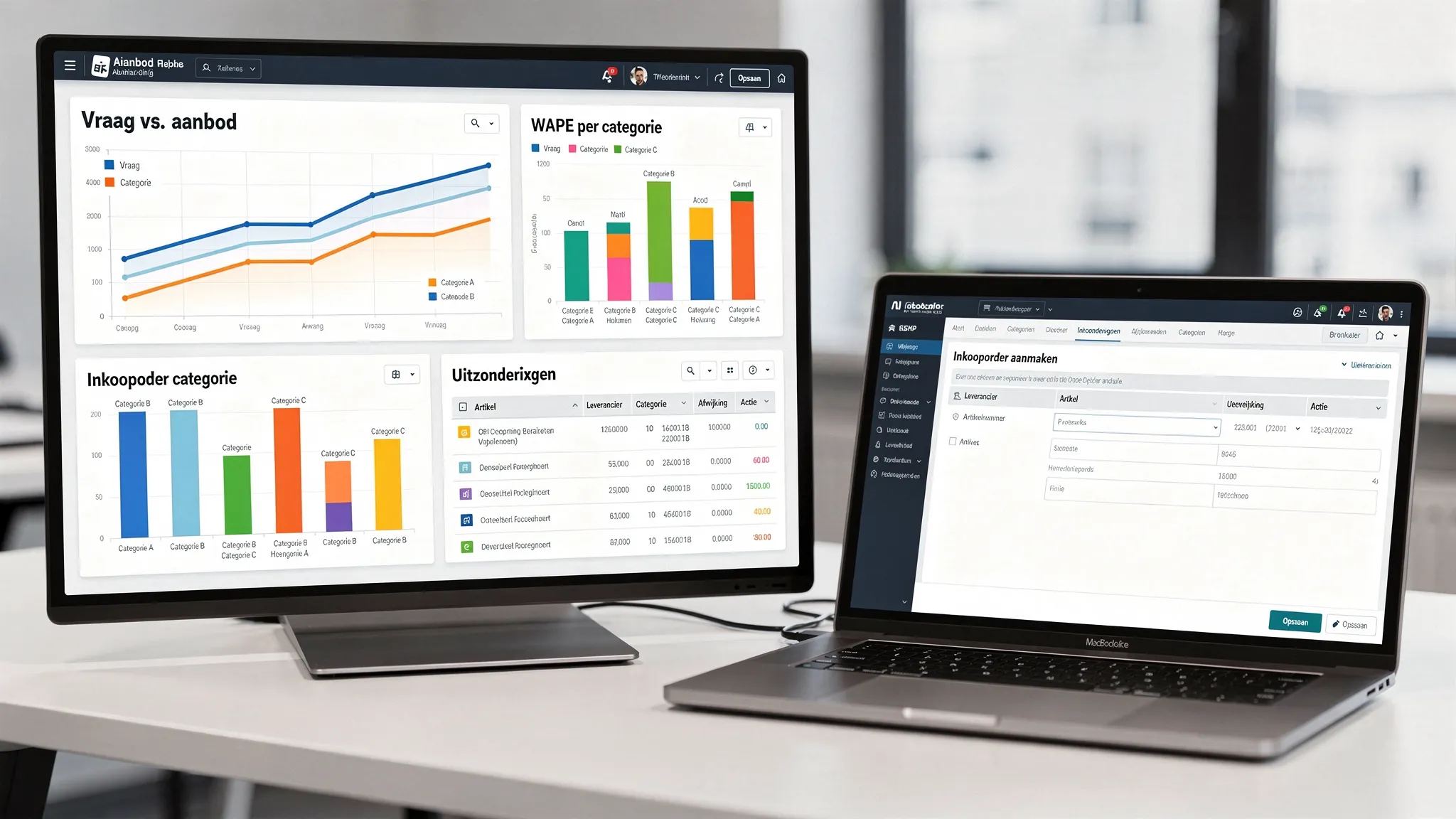
Mini scenario: what a pilot looks like
A technical wholesaler with 6,000 SKUs and 2 depots starts with 800 A and B items. Within 6 weeks, a parallel run is live. The forecast is enriched with calendar features and lead time variability. The system creates replenishment proposals with variable safety stock and flags exceptions when supplier issues occur. After 8 weeks, the service level on pilot SKUs is 3 points higher, lost sales decrease noticeably, and inventory on that scope is 12 percent lower, while planners spend 40 percent less time on manual work. This is illustrative, outcomes depend on data quality, supplier performance, and the KPI targets you choose.
How B2B Groeimachine helps
B2B GrowthMachine delivers AI-driven sales and operations automation that fits SMEs. For forecasting, we connect to your ERP and data warehouse, build a forecasting and decision layer with human-in-the-loop, and integrate replenishment proposals and alerts back into your systems and channels like email, Slack, or WhatsApp. We set up dashboards, monitoring, and continuous optimization so your service level remains on target and lost sales fall, even as the market changes. If you have a complex supply chain or multiple depots, we develop custom agents and integrations that fit your processes. To learn more about the benefits specifically for wholesale and distribution, see our guide AI benefits for wholesale and distribution.
Frequently Asked Questions
Do I need a lot of data to start with AI forecasting? With 18 to 24 months of order lines and basic SKU attributes, you can already go far. You can add promotions, pricing, and external signals later for extra accuracy.
Which metric should I use, MAPE or WAPE? In B2B with many low volumes and zeros, WAPE is often more robust. Always combine accuracy with service level and stockout days, because that is what your customer feels.
What do I do with new or slow-moving items? Use hierarchical or pooled models that learn from similar SKUs, and work with policies for minimum safety stock and fast recalibration as soon as new data comes in.
How do I handle promotions and exceptions? Record events explicitly and provide them as features to the model. Flag extreme outliers, for example a one-off project order, so they are not learned as a trend.
How quickly will I see results? In a focused pilot, you can typically see a difference in service and working capital within 6 to 10 weeks. Full scale-up takes more time due to integrations and change management.
Does this fit in my ERP? Yes, you can start outside the ERP with replenishment proposals and then push them via API or file import. Our teams handle integrations with most common systems, or via a generic API layer.
Is AI forecasting compliant with the EU AI Act? Predictive planning typically falls under limited risk. Ensure transparency, logging, human-in-the-loop, and data minimization to meet requirements.
Ready to reduce lost sales and plan with more confidence? Schedule a short strategy session. In 30 minutes we determine whether a 60-day pilot will deliver measurable gains, and which scope will pay back the fastest. Contact us via our website, or first see how we set up AI-driven workflow automation in AI business process automation.